Electrosave
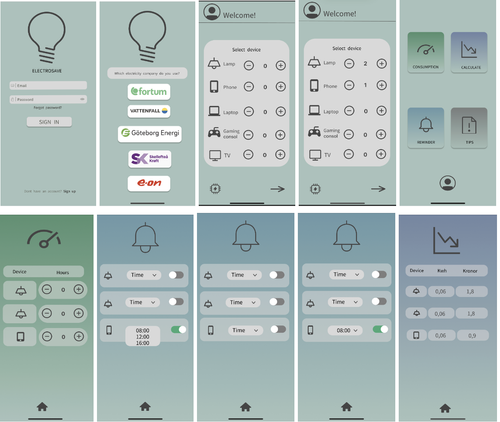
Electrosave aims to help users monitor and reduce electricity use with detailed stats, cost estimates and personalised energy saving tips.
Overview
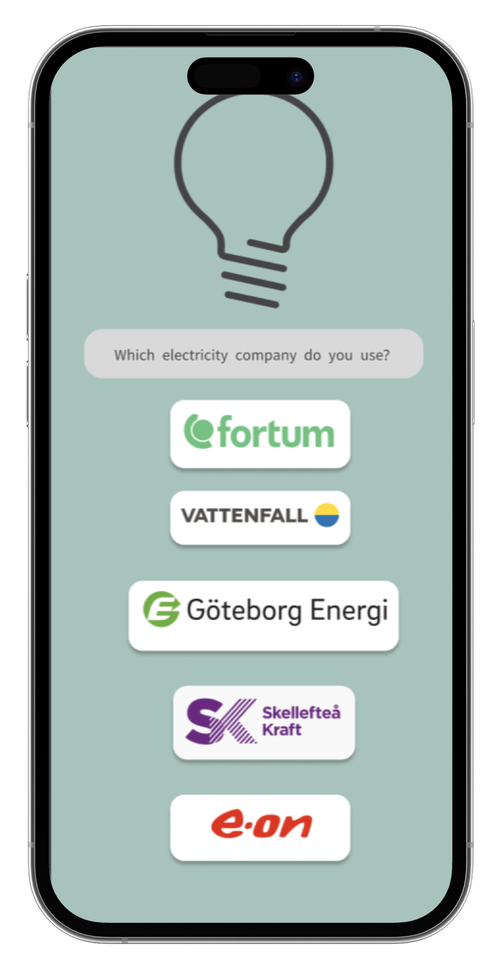
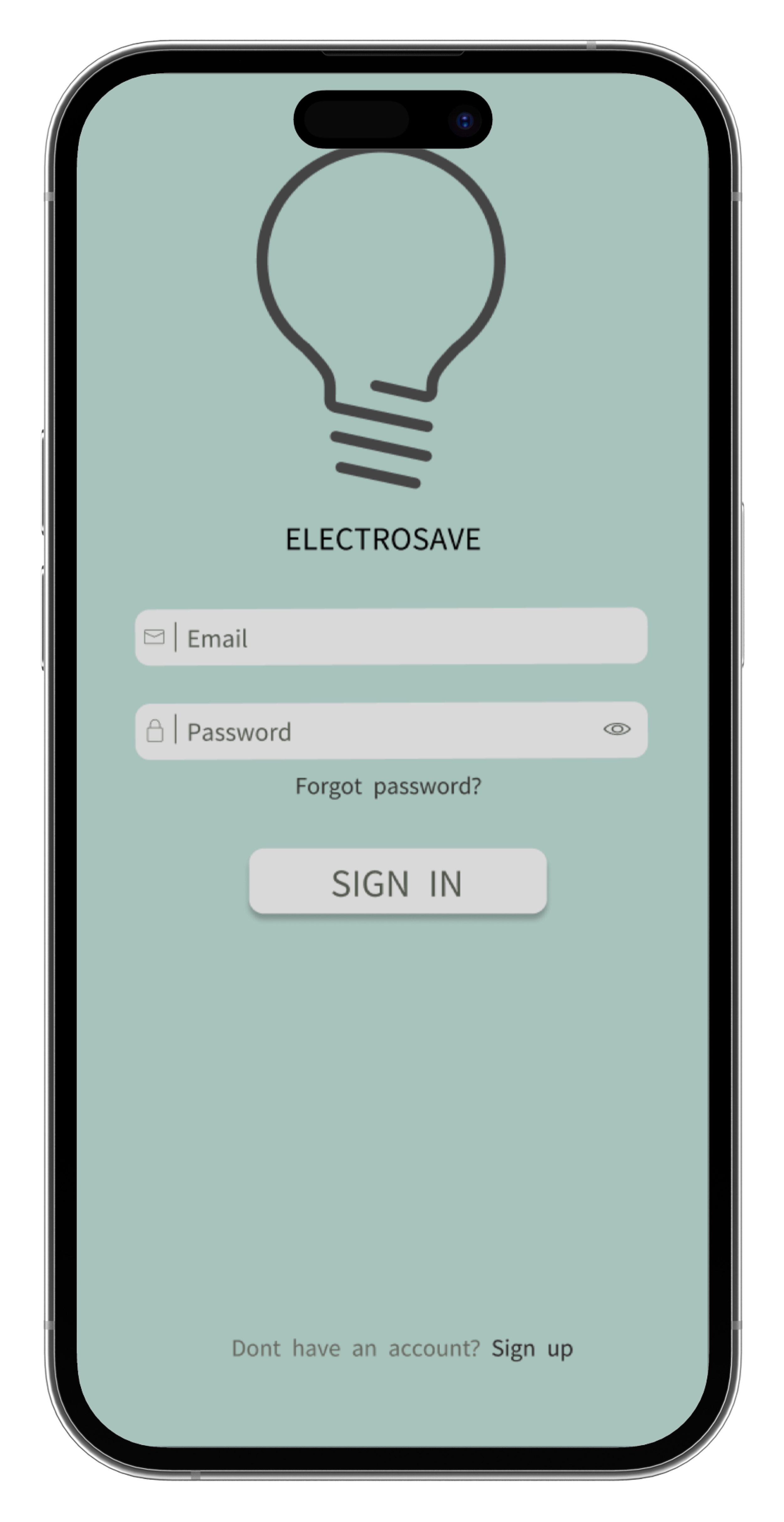
Electrosave is a fictitious application designed to help users manage their electricity consumption effectively. The app aims to provide users with tools to monitor their energy usage, set reminders, and receive tips on reducing electricity costs. The project was undertaken by me, I conducted user tests, developed prototypes, and refined the app based on feedback to create a final, user-friendly prototype.
Problem
Prior to the development of Electrosave, there were significant challenges in ensuring users could easily navigate and utilize the app’s features. Initial prototypes had issues with a lack of save buttons, unclear navigation, and insufficient feedback mechanisms. Users found it difficult to register data, set reminders, and understand the app's functionalities. These problems hindered the app's ability to provide a seamless and helpful user experience.
Design process
The design process began with planning and conducting user tests in simulated environments to mimic real-world use. Detailed test plans to observe and record user interactions. The tests were carried out in both quiet and lively settings to ensure comprehensive feedback.
After initial tests, iterative changes were made to the prototype based on user feedback. Save buttons added, clarified navigation with text labels and icons, and refined the app’s functionality.
Low-fidelity wireframes were developed and tested before moving on to high-fidelity wireframes, incorporating user feedback at each stage. Throughout the development phase, we closely collaborated to ensure accurate implementation and conducted rigorous quality assurance testing.
Solutions & Results
To address the initial issues identified in user tests, several key adjustments were implemented across three prototype iterations.
In Prototype 1: save buttons introduced on the consumption and reminder pages, enhancing data registration feedback.
In Prototype 2, text labels under icons were used to clarify navigation and changed page descriptions for better user comprehension.
The final prototype combined these improvements, integrating both symbols and text for clearer navigation and refining feedback mechanisms within the app.
The iterative design process, driven by user feedback, ultimately resulted in a significantly more user-friendly and effective application.
Self-reflection and Conclusion
During the project, the importance of adhering to predefined roles during tests was recognised and identified the benefit of rotating roles for varied perspectives. Time constraints impacted the ability to implement all feedback. Factors such as potential user nervousness and prototype limitations might have affected test results. User tests highlighted the value of combining symbols and text, and feedback provided new perspectives and ideas for improvement. The final prototype showed significant usability improvements based on user testing and feedback.